Digital vs. Flexographic Printing: Which is Right for Your Labels?
⚞ The Highlights:
- Flexographic (flexo) printing uses custom plates, one per color, so it has setup cost up front but gets very cheap per label on long runs.
- Digital printing uses no plates, so it’s faster to start, better for short and mid-size runs, and ideal for multiple SKUs, frequent design changes, and photographic detail.
- For most craft and emerging brands, digital is the better fit. Flexo earns its keep at very high, steady volume or for certain specialty inks and flood coats.
- You don’t always have to choose. Hybrid presses and finishing stations combine digital’s flexibility with flexo’s specialty effects.
If you’re choosing between digital and flexographic (flexo) printing for your labels, the answer usually comes down to your run size and how often your artwork changes. Digital printing is usually the better fit for short-to-mid runs, multiple SKUs, and detailed artwork, while flexo wins on cost per label at very high, steady volumes. Digital uses no plates, so it’s faster to start and cheaper for smaller quantities. Flexo has upfront plate and setup costs that only pay off once you’re printing hundreds of thousands of the same label.
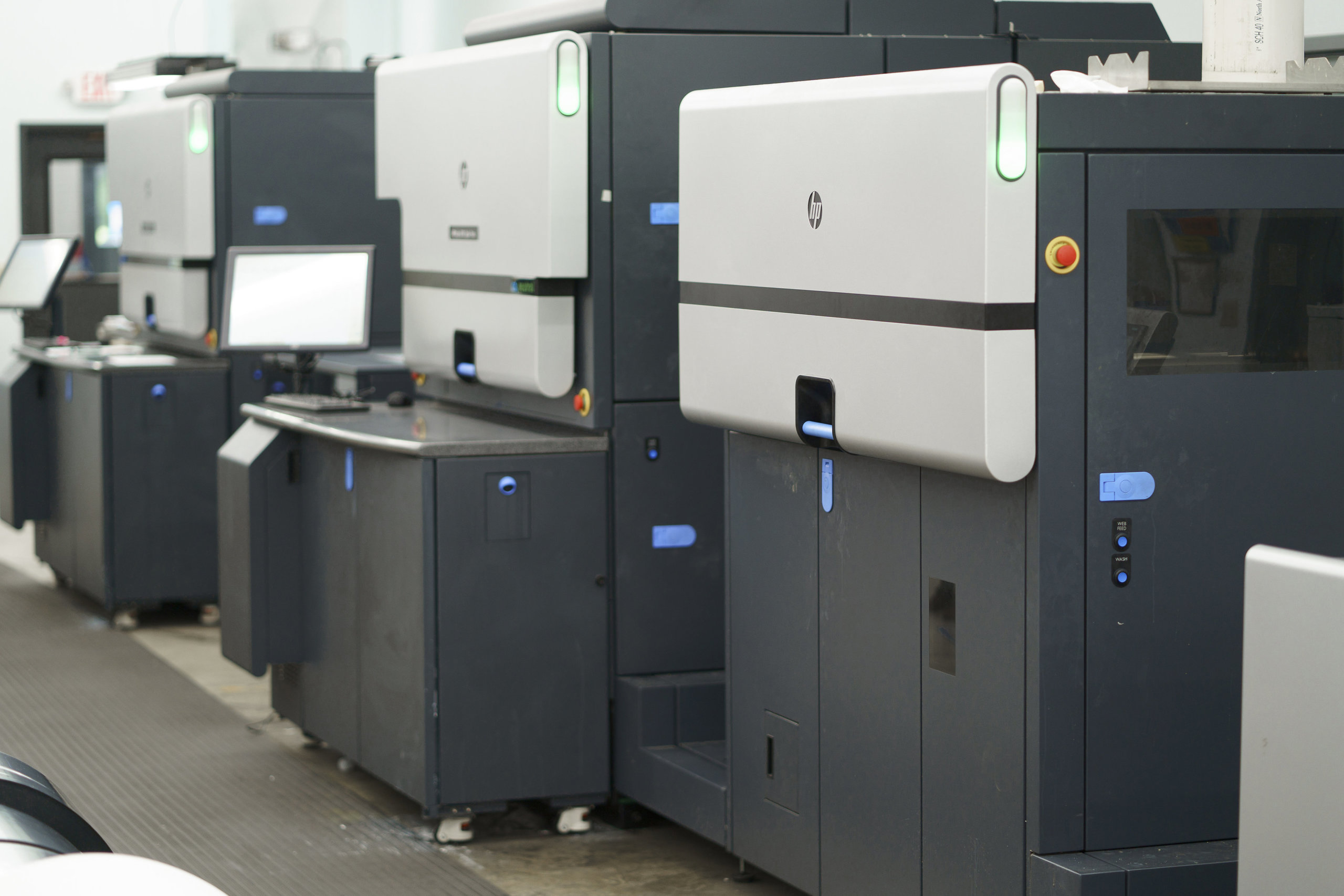
We run digital presses (HP Indigo) and work with flexo, so we help brands make this call all the time. The right answer depends on your run size, how often your art changes, how many SKUs you have, and whether you need a specialty ink. Here’s how the two methods compare across the things that actually decide it.
Flexographic vs. digital printing: how they work
The core difference is plates. Flexo uses them; digital doesn’t. That one distinction drives almost every other trade-off between the two.
How does flexographic printing work?
Flexographic printing uses flexible relief plates, one for each color in your design, mounted on rotating cylinders. A roller applies an even coat of ink to each plate, and the plate presses the image onto the label material as it runs through the press. It’s a modern, high-speed descendant of traditional relief printing. Because each color needs its own plate and careful alignment, there’s meaningful setup before the first good label comes off the press.
How does digital printing work?
Digital printing skips plates entirely. The press prints straight from your digital file, the same idea as an office printer, but built for commercial label production. Our HP Indigo presses use a liquid ink process that transfers the image through a heated blanket onto the material, producing sharp, photographic results. Because there’s no tooling to make, a digital job can go from file to finished labels quickly, and switching designs is as simple as sending a new file.
Comparing cost
Cost is where the plate difference matters most. The real question is which method is cheaper for your run size, not which is cheaper overall.
What does flexographic printing cost?
Flexo carries upfront tooling cost. Every color needs its own plate, so a job with four SKUs at four colors each can mean sixteen plates before you print anything, plus the labor to mount and align them and the material wasted getting every color to line up. Those costs are fixed, so they spread thinner the more labels you print. On a run of hundreds of thousands of identical labels, the per-label cost drops low. On a small run, that same setup makes each label expensive.
What does digital printing cost?
Digital has little to no setup cost because there are no plates. That makes the per-label price steady across small and mid-size runs, which is a big advantage for a brand ordering a few hundred or a few thousand labels, or splitting a run across several designs. At very high volumes, flexo’s plate cost spreads thin enough to undercut digital, but most craft and emerging brands never reach the quantity where that flips.
Worth knowing: The break-even point between the two moves with your design and material, but for a lot of craft beverage and CPG work, digital stays cheaper well into the tens of thousands of labels. If you’re ordering multiple SKUs in smaller quantities, digital usually wins on total cost, not just setup.
Comparing print quality
Both methods produce professional labels, but they have different strengths on the page.
Print quality with flexographic printing
Flexo delivers strong, consistent solid colors over long runs, which is why it’s trusted for big national brands that need every label to match across millions of units. Where it works harder is fine detail: small text, subtle gradients, and detailed photos can lose a little sharpness. Flexo’s biggest quality edge is specialty inks, which we’ll get to.
Print quality with digital printing
Digital shines on detail. It reproduces sharp small text, smooth gradients, and photo-quality imagery with precise color management, so a complex, art-forward label tends to look its best in digital. The historical gap has been specialty inks, though that’s narrowing as digital presses add capabilities like opaque white and a wider color range. For a deeper look at expanded color, see our post on 7-color printing for labels.
Comparing materials and finishes
Both methods handle a wide range of label materials, papers, films, metallics, and textured stocks, so material choice usually isn’t the deciding factor.
Materials for flexographic printing
Flexo works across most label materials and is a strong choice for durable, long-run jobs, including waterproof films built for demanding conditions. It also pairs naturally with inline specialty coatings on a long run.
Materials for digital printing
Digital handles the same broad range of films and papers, with the added benefit that you can run different materials or designs without re-tooling. That flexibility is part of why digital suits brands testing materials or running multiple SKUs. If you’re weighing stocks, our guide to selecting a label material walks through the options.
Comparing turnaround time
Speed follows the plates again.
Turnaround with flexographic printing
Flexo needs setup time to make and align plates before a run, which can add days on the front end. Once it’s dialed in, it prints large volumes fast. So flexo’s turnaround is slow to start but quick to finish a big order.
Turnaround with digital printing
Digital skips tooling, so a job can move from approved file to printed labels quickly, and changes or reprints are fast because there’s nothing to re-make. For brands chasing a seasonal window or a launch date, that speed is often the deciding factor.
Not sure which method fits your labels?
Tell us your run size, SKU count, and artwork, and we’ll recommend the right print method, digital or flexo, for your job. No pressure, just a straight answer.
Request a Quote Get a Sample Pack
Comparing specialty inks and finishes
This is flexo’s clearest advantage. Flexo readily handles flood coats (a solid color or coating across the whole label) and specialty inks like metallics, fluorescents, and certain opaque whites, and it can add varnishes and coatings inline on a long run. Digital has historically been more limited here, though modern presses now cover more specialty effects than they used to, and finishing steps can add many of the same touches. If a specific metallic or fluorescent ink is central to your design, that may point toward flexo or a hybrid setup.
Comparing durability
Durability comes more from the material and finish than from the print method itself. Flexo has a long track record on labels built for extreme moisture, heat, and abrasion. Digital labels hold up well for everyday use and, with the right material and a protective laminate or varnish, stand up to demanding conditions too. For most beverage and CPG products, either method paired with the right material and finish will last.
Which should you choose? A shop that runs both
Here’s the framework we use when a brand asks us which method fits. Run your job through these questions.
Choose digital when…
- Your run is small to mid-size (a few hundred to tens of thousands per design).
- You have multiple SKUs, seasonal releases, or artwork that changes often.
- Your label leans on fine detail, gradients, or photographic imagery.
- You need labels fast, or you want to test designs and materials before committing.
- You want to split one order across several designs.
Choose flexo when…
- You’re printing very high, steady volumes of the same label.
- A specific specialty ink or flood coat is central to the design.
- Per-label cost at massive scale matters more than flexibility.
What about most craft and emerging brands?
For the brands we work with most, breweries, distilleries, and growing CPG companies, digital is usually the better fit. Short runs, multiple SKUs, frequent design changes, and detailed artwork all play to digital’s strengths, and few of these brands hit the sustained volume where flexo’s per-label cost pulls ahead. Still, it’s worth confirming for your specific job, and we’ll give you a straight answer either way.
Can you combine digital and flexo?
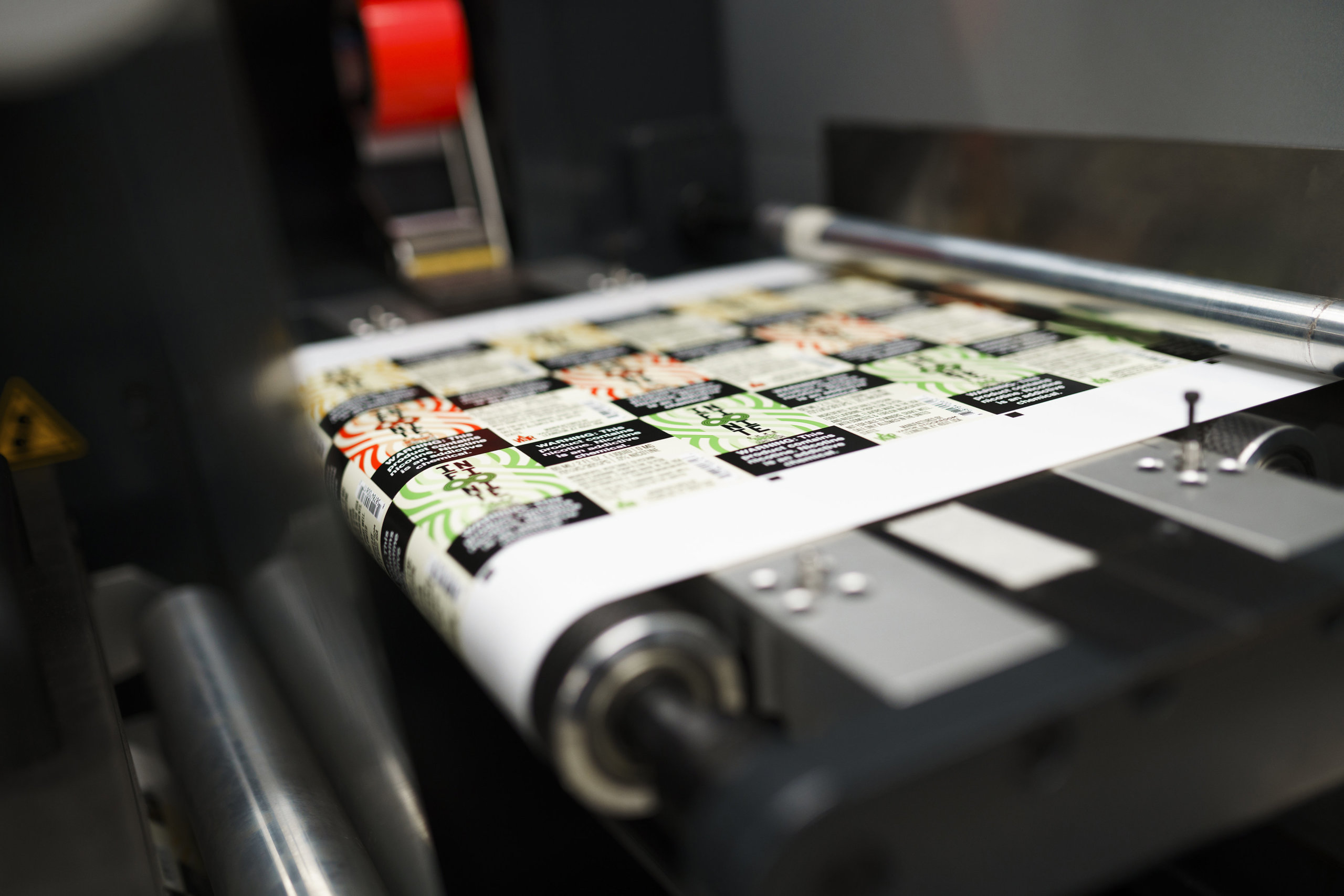
Yes, and it’s often the best of both. Hybrid presses and finishing stations pair digital’s flexibility and detail with flexo’s ability to lay down specialty coatings and effects inline. That means you can get a detailed, multi-SKU-friendly digital print and still add a metallic accent or a flood varnish without committing to a full flexo setup. If your design wants digital detail and a flexo-style finish, a hybrid approach is worth exploring.
Finding the right label printing partner
The method matters, but the partner matters more. A printer who runs digital and understands flexo can point you to the right method for each job instead of forcing everything onto the one press they own. That’s how we work. We’ll recommend what fits your run size, SKUs, and artwork.
If you’re deciding how to print your next labels, we’re happy to talk it through. Request a sample pack to see our print quality and materials, or get in touch with your run size and artwork and we’ll recommend the right method.
Frequently asked questions
What is the difference between digital and flexographic label printing?
Flexographic printing uses custom plates, one per color, mounted on cylinders, which means setup cost but very low per-label cost on long runs. Digital printing uses no plates and prints straight from a file, so it starts faster and is cheaper for short and mid-size runs, multiple SKUs, and detailed artwork. The plate difference drives almost every other trade-off between the two.
Is digital or flexographic printing cheaper?
It depends on run size. Digital is cheaper for small and mid-size runs because there are no plates or lengthy setup. Flexographic becomes cheaper per label at very high, steady volumes, where the fixed plate and setup costs spread across hundreds of thousands of identical labels. For most craft and emerging brands, digital stays cheaper well into the tens of thousands of labels.
What is flexographic printing?
Flexographic printing is a high-speed method that uses flexible relief plates, one for each color, mounted on rotating cylinders. A roller applies an even coat of ink to each plate, which then presses the image onto the label material. It delivers consistent solid colors over long runs and handles specialty inks and flood coats well, but it requires plate-making and setup before printing.
Which is better for small runs and multiple SKUs?
Digital printing is better for small runs and multiple SKUs. Because it uses no plates, there’s no per-color tooling cost, so printing several designs in smaller quantities stays affordable, and switching designs just means sending a new file. This makes digital the usual choice for seasonal releases, test runs, and brands with many SKUs.
Does digital printing match flexo on quality?
For fine detail, gradients, and photographic images, digital printing generally matches or exceeds flexo thanks to sharp resolution and precise color management. Flexo’s edge is specialty inks such as metallics and fluorescents and consistent solid colors over very long runs. The quality gap on specialty inks is narrowing as digital presses add capabilities like opaque white and a wider color range.
Can you combine digital and flexographic printing?
Yes. Hybrid presses and finishing stations combine digital’s flexibility and detail with flexo’s ability to apply specialty coatings and effects inline. This lets you print a detailed, multi-SKU-friendly digital label and still add a metallic accent or flood varnish without committing to a full flexographic setup.
Ready to print your labels?
Whether digital or flexo fits your job, we’ll help you get it right. Request a sample pack to see our print quality, or get in touch with your run size and artwork.
More on label printing methods and quality: