Sustainability and Recyclability of Printed Cans
If you’re considering digitally printed cans, sustainability usually comes up, either because it matters to your brand, your customers, or sometimes even regulators.
Here’s the short version: digitally printed cans don’t magically make packaging sustainable, but they do remove some of the biggest environmental inefficiencies found in labeled or shrink-sleeved cans.
Recyclability of Printed Cans
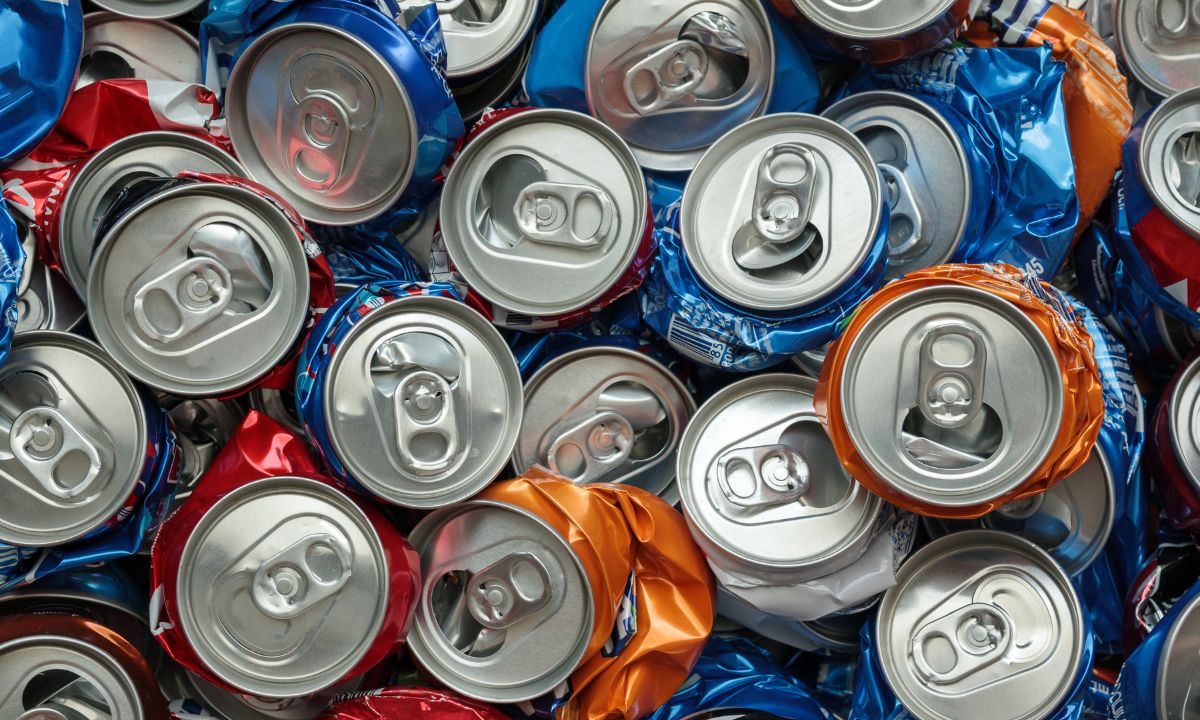
Aluminum cans are already one of the most recyclable packaging formats available. They can be recycled repeatedly without losing quality, and recycling aluminum uses up to 95% less energy than producing new aluminum from raw material.
The sustainability difference is not the can itself, but how the can is decorated.
Digitally printed cans preserve aluminum’s recyclability because:
- decoration is applied directly to the can as a very thin ink layer
- there are no plastic sleeves or label films
- there are no adhesives to remove during recycling
- recyclers can process the aluminum with fewer steps
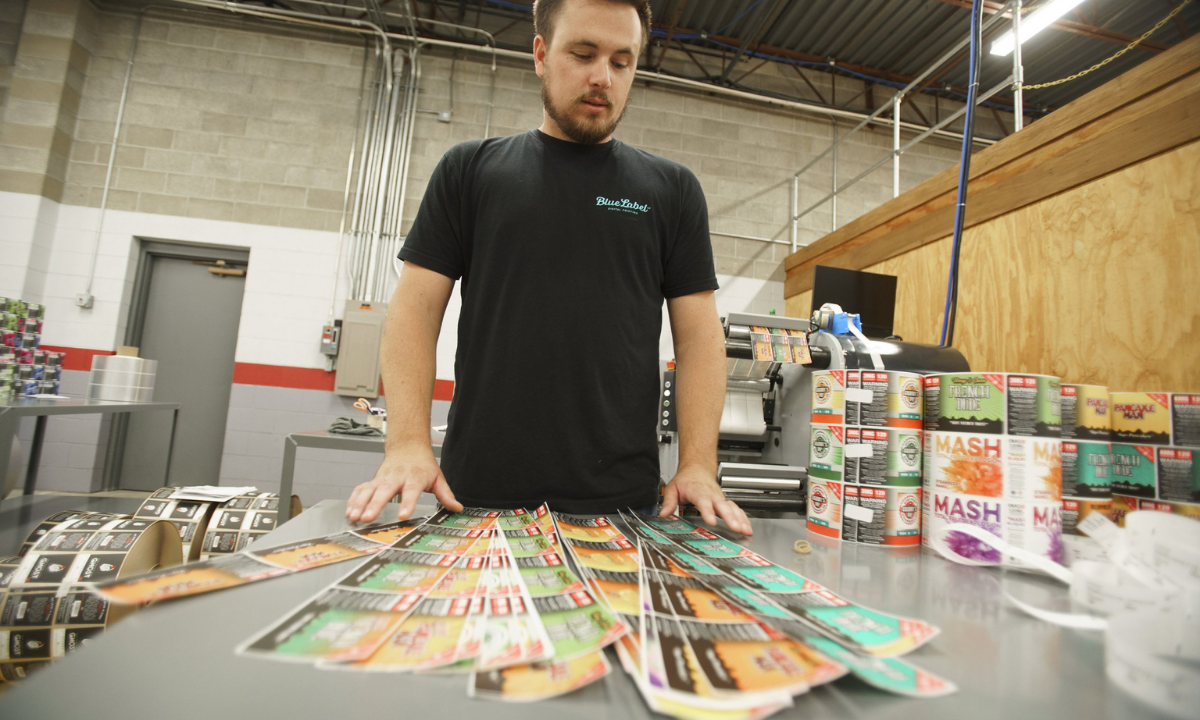
Cans with shrink sleeves or pressure-sensitive labels are still recyclable, but recyclers typically must:
- burn off plastic sleeves or label materials
- remove adhesives and coatings
- process additional non-aluminum waste
That extra processing does not prevent recycling, but it does add energy use, waste, and complexity to the recycling stream.
In simple terms, digitally printed cans keep aluminum packaging closer to a single-material recycling process by eliminating secondary decoration materials.
Inventory Waste and Overproduction
With digitally printed cans, inventory planning becomes an important part of sustainability and cost control. Digital printing gives brands more flexibility than offset printing, but digital (especially printed cans) still requires the right planning.
Digitally printed cans allow brands to:
- print smaller production runs compared to traditionally high minimum order quantities
- combine multiple SKUs into a single order to improve efficiency
- reduce the risk of large quantities of unused decorated cans
- better align packaging orders with production schedules
But digitally printed cans still require forecasting and coordination. Unlike labels applied to blank cans, decorated cans can’t be repurposed if branding, compliance information, or products change.
Brands using digitally printed cans should plan for:
- product demand across SKUs
- product shelf life and production timing
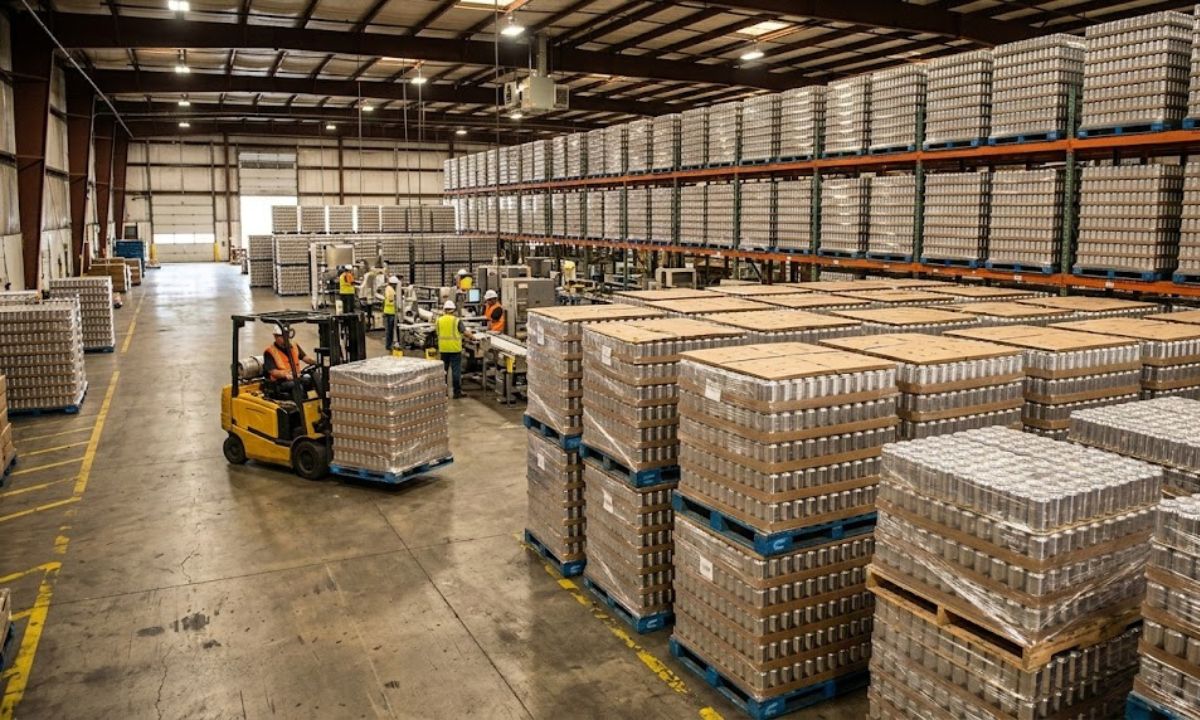
- storage space for pallets of printed cans
- potential design updates or seasonal packaging changes
- coordination with co-packers or filling schedules
If a product isn’t selling or a design changes, unused printed cans may become unusable. That risk exists with any pre-decorated can format, but digital printing can reduce the scale of that risk by lowering minimum order quantities and allowing SKU mixing.
Regulatory Pressure Is Increasing
Several U.S. states are implementing Extended Producer Responsibility (EPR) laws that assign costs to packaging that is harder to recycle.
States that have already passed packaging EPR legislation as of 2026 include California, Colorado, Oregon, and Maine, with other states actively considering similar policies.
Beverage brands can check current state-by-state packaging EPR requirements through the Product Stewardship Institute’s packaging EPR tracker.
In some cases, packaging with:
- plastic shrink sleeves
- applied labels
- mixed materials
…may incur additional recycling or disposal fees depending on how recyclability is evaluated within those programs.
Digitally printed cans avoid those secondary materials entirely. This can make them easier to align with emerging packaging regulations.
Consumer Perception Matters Too
Beverage brands often want to know how to talk about digitally printed cans in a way that is accurate and meaningful to eco-conscious consumers.
When communicating about sustainability, brands using digitally printed cans can focus on clear, specific language tied to recyclability and waste reduction.
Examples of sustainability language include:
Recyclability-focused language
- “Please recycle this can”
- “Aluminum cans can be recycled again and again”
Waste-reduction language
- “Designed to reduce packaging materials”
- “No secondary packaging materials attached to the can”
This type of language helps brands communicate real sustainability improvements without making vague or hard-to-support claims.
For most beverage companies, the goal is not to position printed cans as “perfectly sustainable,” but to show that their packaging decisions reduce unnecessary materials and support recyclable aluminum packaging.
The Practical Sustainability Summary
Printed cans are typically more sustainable than shrink sleeves or pressure-sensitive labels because they eliminate plastic decoration materials and simplify the recycling process. Sustainability is only one factor alongside cost, aesthetics, production setup, and order volumes.
If you’re comparing labeling options for your cans, contact us to talk through your options, request a quote, or see samples of our digitally printed can work.